How to set up a Google Business Profile
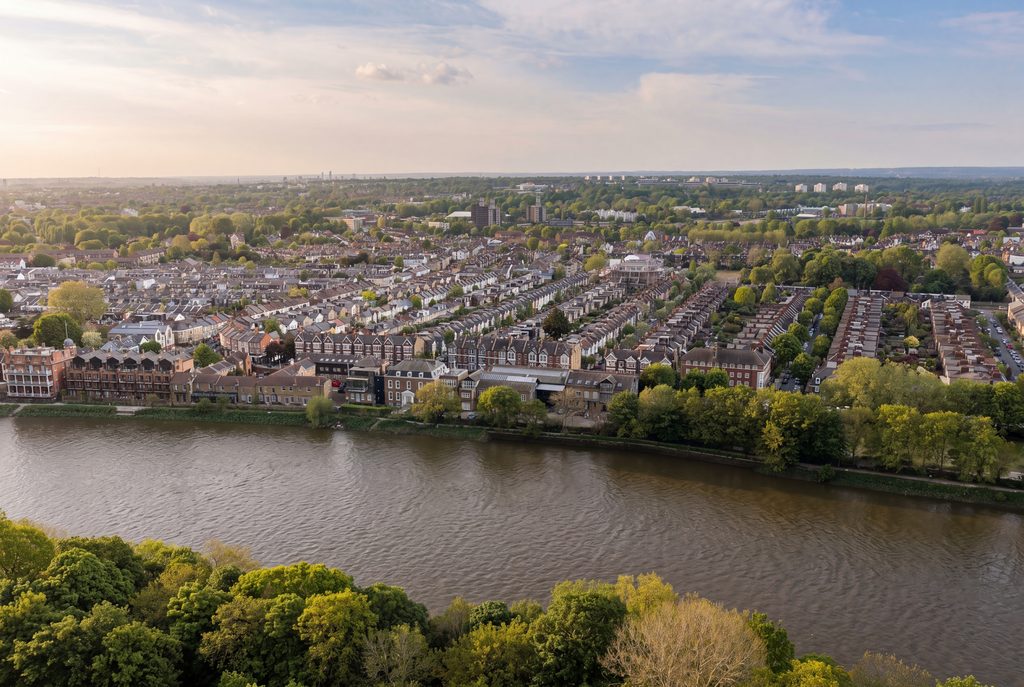
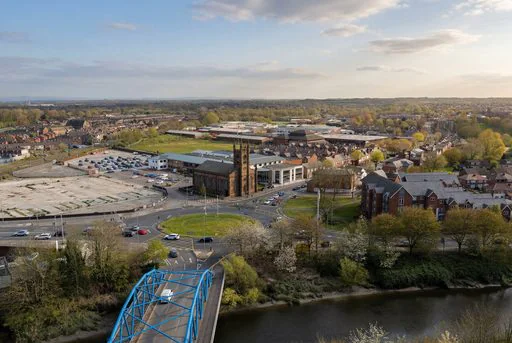
Aerial view of a riverside town, the kind of area a local search covers
Go to google.com/business, sign in with a Google account, then enter your business name, address and category. Add your phone number, website and opening hours, then verify the business by video call or by posted code. The profile goes live once Google has checked it.
In short
- It is free, and it is what puts you in Google Maps and the local results.
- Verification is the slow part, so start it before you need the profile live.
- Photos of real jobs and recent reviews are what make people pick you.
What do you need before you start?
Get four things together first. It saves you stopping halfway through.
A Google account the business owns. Not the personal account of whoever set it up, because that person may leave and take it with them. Make a plain one in the company name and keep the password somewhere sensible.
Your business name exactly as it appears on the invoices and the van. Google is fussy about names that do not match. Adding your services into the name, such as builders Leeds, is against the rules and can get the profile suspended.
An address, or a service area. If people come to you, use the address. If you drive to jobs from home, hide the address and list the areas you cover.
Then the small details. Phone number, website, opening hours, and someone who can answer a video call from Google.
How do you set it up, step by step?
- Sign in at google.com/business with the business account.
- Type your business name. If Google already shows a listing for you, claim that one. Making a second listing causes months of bother.
- Pick the main category. Two builders who pick different categories turn up in different searches. Choose the one closest to the work you want more of.
- Add the address, or set the service area if customers never visit you.
- Add the phone number, the website and the opening hours.
- Start verification. Usually that means a video call where you show the unit and the van, or a code posted to the address.
- Once it is live, go back and fill in the rest. Services, a short description, and the payment methods you take.
Our own profile lists Unit 5b, Morwick Hall, Mortec Park, York Road, Leeds LS15 4TA. That is the address Google checked when we verified it, and it is the one on our website and our invoices. Keep those three the same and the whole thing goes more smoothly.
What about photos and reviews?
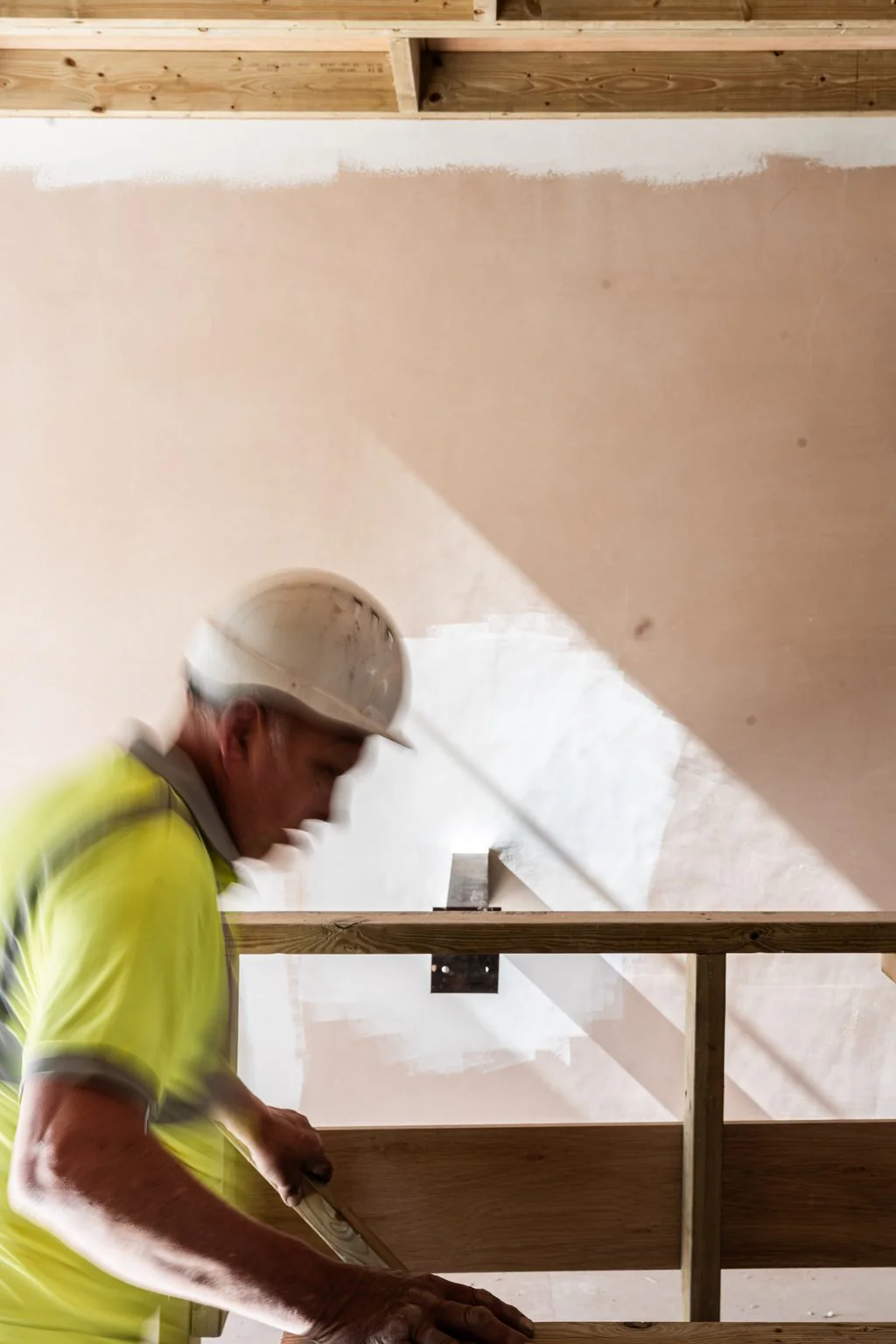
Add photos of finished jobs, the team and the van. A profile with two grey stock images looks like a business that has stopped trading. Refresh them as new work is finished.
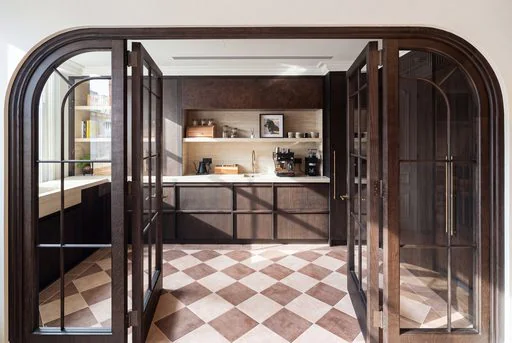
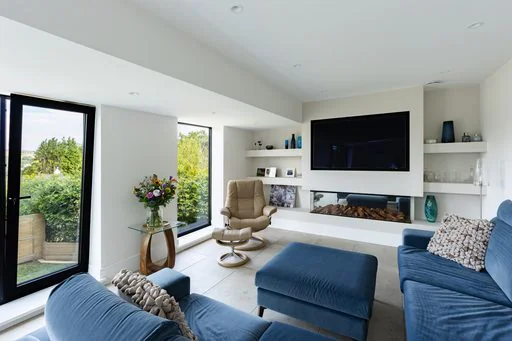
If you already have proper photography, use it here as well as on social media. It is the same set of images doing another job. Our photography page covers how we shoot finished work, and there are examples on our work page.
Ask for a review after every job you are pleased with. The best moment is the day of the handover, while the customer is still standing in the room. A short text with the link works better than an email.
You can also post short updates on the profile, much like a social post. Most firms never bother, and it is not the thing to fix first. Get the category, the photos and the reviews sorted before you look at it.
Reply to every review, including the awkward ones. A calm reply to a two star review does you more good than ten replies to five star ones. Never buy reviews and never offer a discount for one, because Google removes them and can suspend the profile.
What should you check every few months?
Opening hours over Christmas and the bank holidays. Wrong hours send people to a locked door, and that is where bad reviews come from. Google lets you set special hours for a single date, so put the shutdown in early.
The name, address and phone number against your website and any trade directories you are listed in. If they disagree, fix the website first and work outwards. Our websites and SEO page goes into that in more detail.
The answers Google gives about you. Profiles no longer have a questions section. Google now answers people's questions itself, from your profile, your website and your reviews. Keep the services and description filled in, and answer common questions plainly on your website.
The stats on the profile itself. Google shows how many people called, asked for directions or went to your website. Those numbers tell you more than followers do.
Social media and a Google profile do separate jobs. Across the client accounts we run, 1 January to 31 August 2026, more than 15,000 posts went out. None of that work shows up in the map results, which is why the profile is a job of its own.
Our social media management page explains the posting side. The profile sits alongside it and takes far less looking after.
A last word on timing. Set the profile up before you spend anything on ads, because people who see an advert will look you up on Google afterwards. An empty profile at that moment costs you the enquiry.
If you'd like a chat about getting your Google profile and your website working together, get in touch.
Sources. Metricool, all our client accounts, 1 January to 31 August 2026.
Common questions
Is a Google Business Profile free?
Yes. Setting one up and keeping it going costs nothing. Google sells ads separately, and you can ignore those while you get the profile itself sorted out.
How long does verification take?
It depends on the method you are given. A video call is usually the quickest way through. A posted code takes longer, so start the process before you need the profile live.
Can I have a profile if I work from home?
Yes. Hide the address and set a service area instead, such as Leeds and the towns around it. Customers then see the areas you cover rather than your house.
Which field matters most?
The main category. It decides a lot about which searches you turn up in, so pick the one that matches the work you want more of. You can add extra categories underneath it.
Do reviews really make a difference?
They are the first thing a customer reads about you. Ask after every finished job and reply to each review, good or bad. Never buy reviews or offer anything in return for one.
Sources: Metricool, all our client accounts, 1 January to 31 August 2026



Work with us
If you would like a chat about your marketing, tell us about your business and we will come back to you.